
From Laptop to Desktop: The £1,000 MacBook Neo Workstation

Following on from our one-month deep dive with the MacBook Neo, we shared our general delight with the platform. It’s a cracking machine that handles the daily grind with ease. But we wanted to push things further.

We set ourselves a challenge: Can we turn the MacBook Neo into a full-blown professional workstation for around £1,000?

We put ourselves in the shoes of a new user who loves the portability of the Neo but needs a “home base.” The goal was a clean, single-cable setup. You walk in, plug one USB-C lead into your Mac, and instantly your keyboard, mouse, and a massive 32-inch 4K display spring to life.

Here is how we built the ultimate budget-conscious powerhouse.

The Goal: Single-Cable Simplicity

The dream is simple: no faffing with five different wires every time you sit down. We wanted a solution that allows for “Clamshell Mode” (using the laptop closed while it powers the big screen) or an Extended Display setup for double the screen real estate.

To achieve this without breaking the bank, we bypassed expensive branded docking stations and looked at a high-quality modular approach.

1. The Brains: UGreen Connectivity

To get that single-cable magic, we used a trio of UGreen components:

  • UGreen 7-in-1 Hub: This acts as the central station for the monitor and peripherals.
  • UGreen 65W GaN Charger & 3m USB-C Cable: By connecting these directly to the hub, we ensure the Neo stays charged while sending a crystal-clear 4K signal to the screen. It’s the “one wire to rule them all” approach.

2. The View: 32 Inches of 4K Glory

A workstation is only as good as its screen. We chose the Samsung ViewFinity S7 (32″). At £219, it’s a steal for a 4K Ultra HD panel. The sheer size means you can have your email, a web browser, and a spreadsheet open all at once without squinting.

3. The Interaction: Logitech Signature Slim MK950

To round off the professional feel, we opted for the Logitech Signature Slim MK950 wireless combo. We’re big fans of this set because it bridges the gap between work and home. It’s quiet, slim, and—crucially—allows you to switch between your MacBook and even your phone or tablet with a single tap. It adds a level of polish to the desk that cheap plastic keyboards just can’t match.

The “Grand Total” Breakdown

Even with a premium keyboard and mouse combo, we managed to come in well under our £1,000 target.

ItemDescriptionCost
MacBook NeoThe Core Machine£599.00
Samsung ViewFinity S732″ 4K Ultra HD Monitor£219.00
Logitech Signature Slim MK950Wireless Keyboard & Mouse Set£79.99
UGreen USB-C Hub7-in-1 Connectivity£34.99
UGreen 65W ChargerPower Adapter£22.99
UGreen USB-C Cable3m 100W Lead£7.49
TOTAL£963.46

The result

You be the judge, a wire free desk with a bold bright screen. We even managed to source a simple VESA adapter and wall mount the screen. Clean unobstructed performance. We paired this onto a Dunelm Georgi wide desk (£249) which we already had and discreetly routed all the cabling for that “floating in space look”. The MacBook is plugged in via a single USB-C cable to the hub, which powers the MacBook Neo, provides connectivity to the monitor, and to the KB/Mouse via a USB dongle plugged in directly.
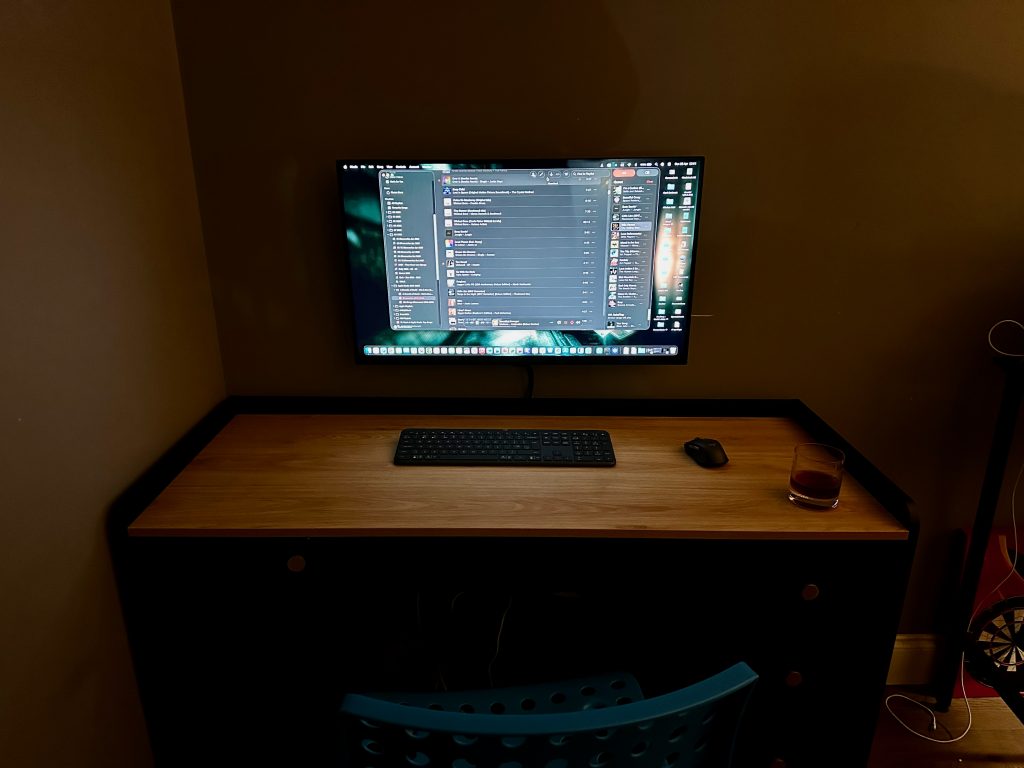
When you want to work, simply open the drawer , plug in teh singular cable to the USB-C dock, the monitor pops into life, the perheprials are connected. Close the MacBook, pop it in drawer and work away. It’s almost like magic.

Verdict: Why This Matters

For under £965, you have a setup that handles office work, creative projects, and home admin with zero friction. It’s tidy, it’s powerful, and most importantly, it’s flexible.

Setting these things up to “just work” can sometimes be a bit fiddly—getting the right resolution, ensuring the power delivery doesn’t drop, and managing Clamshell settings. If you want a workstation like this but want it professionally configured, Gorilla Networking is here to help.

We can source, supply, and set up this exact solution in your home or office. Ready to upgrade your desk? Contact us today and let’s get you sorted.
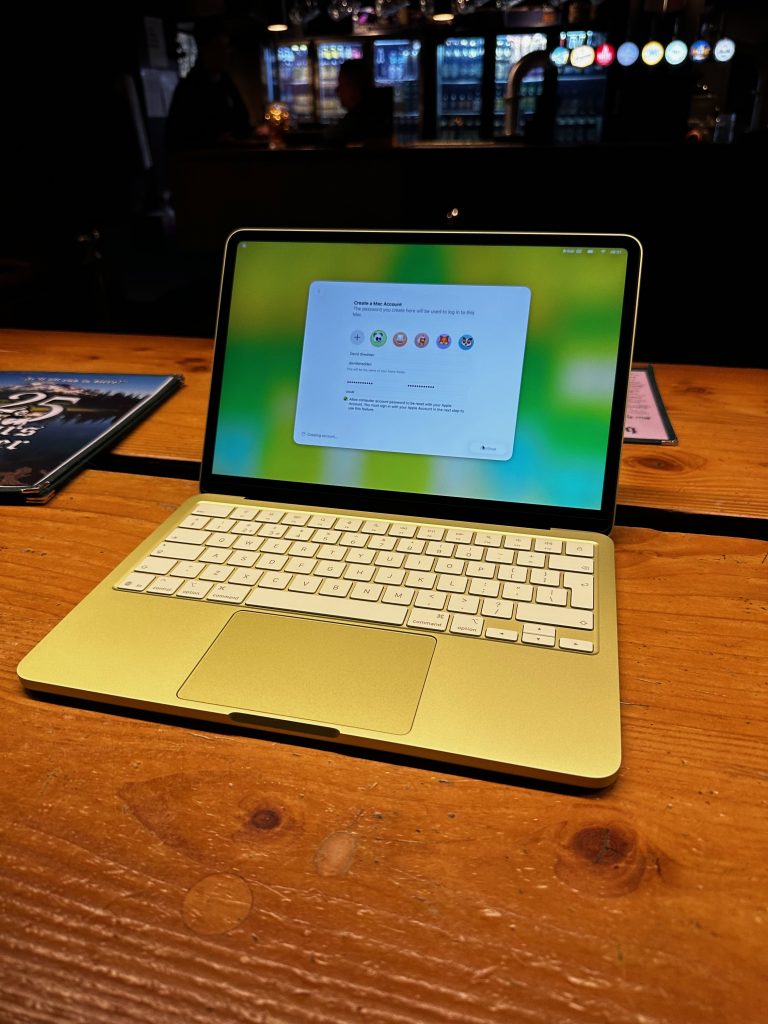
Our take- a month with the MacBook Neo

Meet the MacBook Neo: Apple’s Sweet Spot Just Got Sweeter

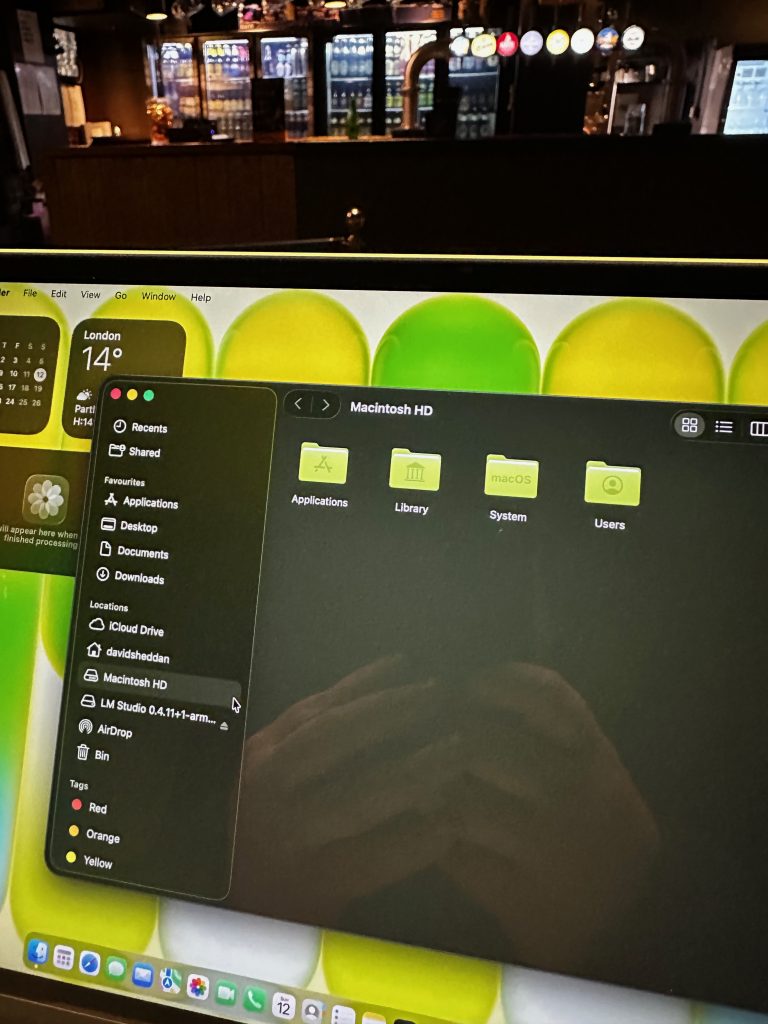
At Gorilla Networking, we spend a lot of time with laptops—not just unboxing them and admiring the finish, but actually living with them the way our customers do. Kitchen tables, home offices, slightly cluttered workspaces, the odd coffee spill risk… real-world use.

And lately, one machine has been quietly turning heads: the MacBook Neo.

It doesn’t shout for attention. It doesn’t try to be the most powerful thing Apple has ever built. Instead, it does something far more interesting—it gets the balance right.


A Laptop That Understands What Most People Actually Need

There’s a tendency in tech to chase extremes. Faster, thinner, more powerful, more expensive. The MacBook Neo takes a different approach. It feels like Apple finally asked, “What do most people actually use their laptop for?”—and then built exactly that.

Using it feels effortless. It’s quick where it needs to be, quiet all the time, and just disappears into your workflow in a way that good tech should. You’re not thinking about fans spinning up or whether you’ve opened one tab too many—you’re just getting on with things.

Yes, there are compromises. If you’re pushing heavy video edits or running complex development environments all day, you’ll still want to look higher up the range. But for the vast majority of users, those edge cases simply don’t apply.

What you’re left with is a machine that feels complete—and at a price point that makes far more sense than it used to.


Context Matters: We’ve Tested the Lot

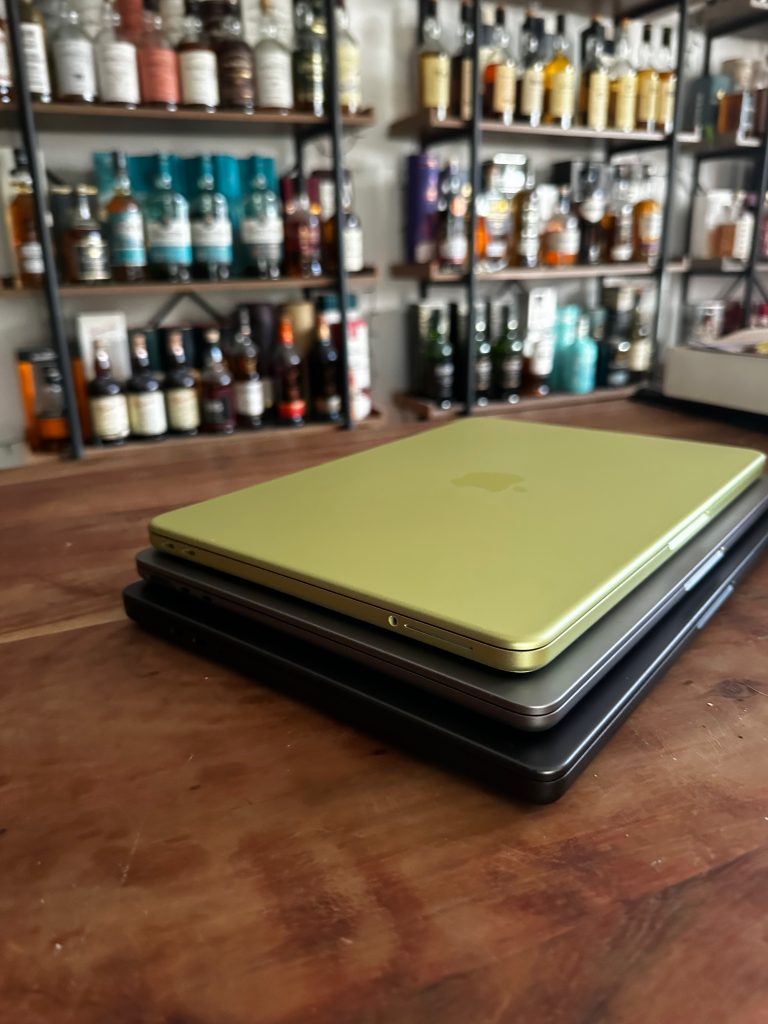
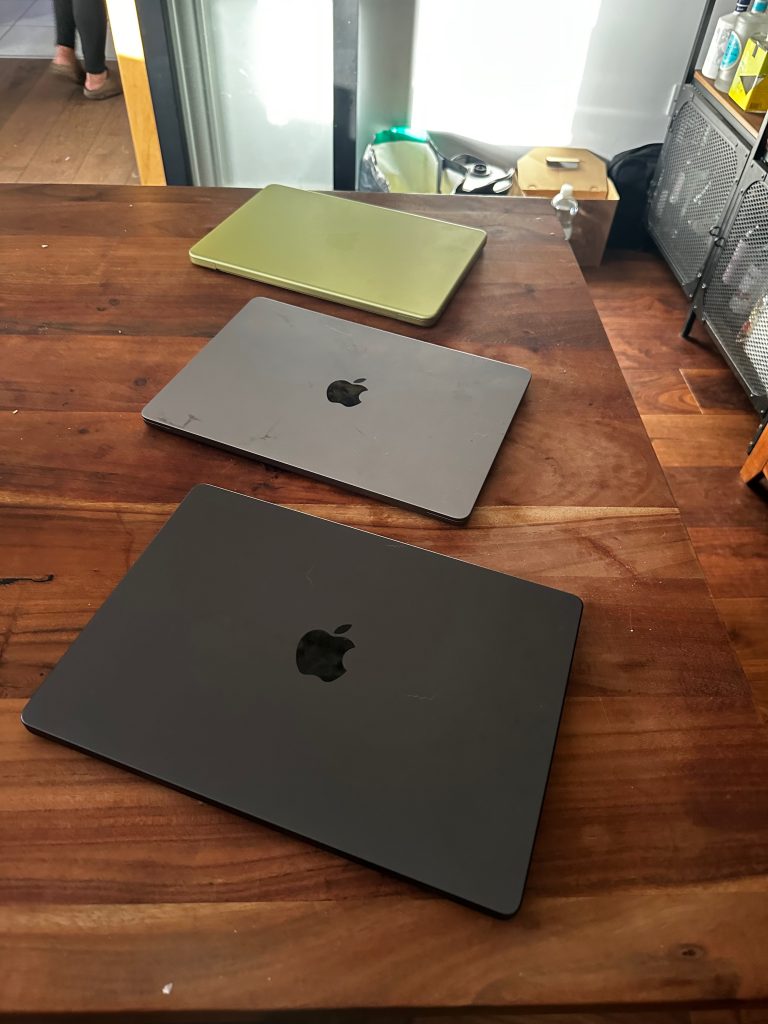
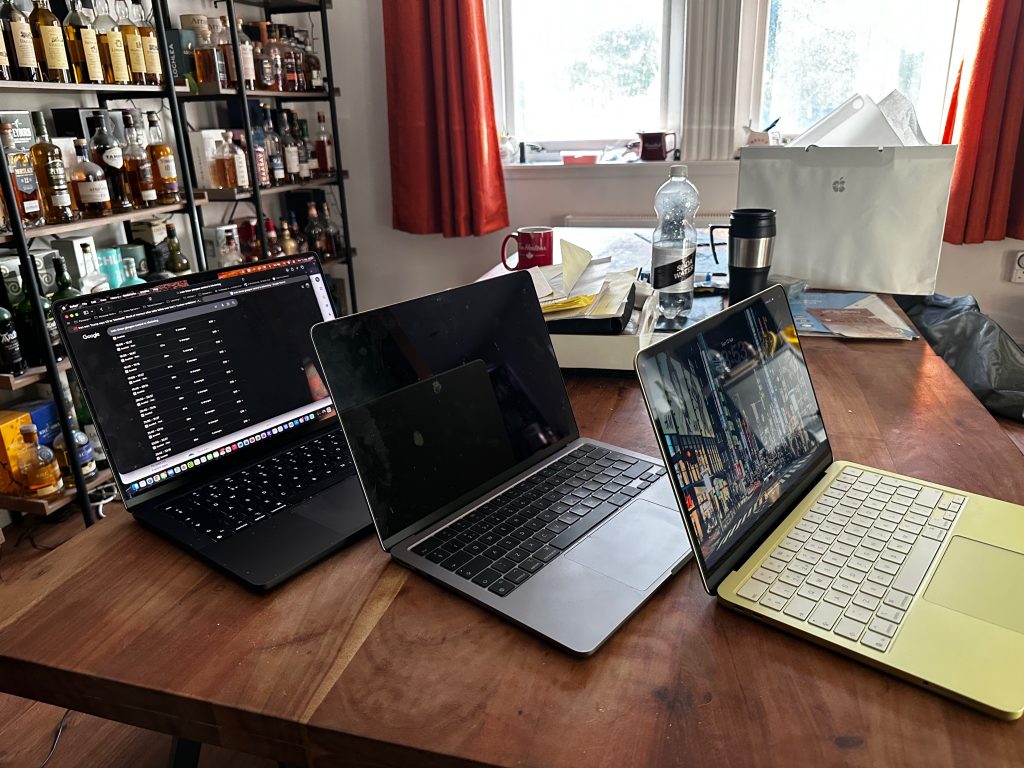
One of the advantages we have at Gorilla Networking is that we’re not guessing. We’ve got the full spread of Apple laptops in front of us, and we’ve spent proper time with each of them.

When you sit the Neo alongside the Air and the Pro models, something becomes very clear. It occupies a space that didn’t quite exist before. It’s approachable without feeling stripped back, capable without feeling overkill.

That matters more than specs ever will, because most people aren’t buying benchmarks—they’re buying something they’ll use every day without friction.

And that’s exactly where the Neo lands.


The Timing Is Spot On

If you’ve been on the fence about moving to a Mac, this is probably the strongest moment in years to do it.

Not because of one standout feature, but because everything has quietly aligned. Performance is more than enough, battery life borders on ridiculous, and the overall experience has matured into something that just works in a way that’s hard to appreciate until you’ve lived with it.

The Neo lowers the barrier to entry without feeling like a compromise machine. That’s a tricky line to walk, and Apple’s managed it rather well here.


The Ecosystem Effect (Where Things Get Interesting)

Here’s the part that often gets underestimated.

If you already have an iPhone or an iPad, adding a MacBook Neo isn’t just adding another device—it changes how all of your tech works together.

It’s subtle at first. Messages appear where you expect them. Files move between devices without effort. You stop thinking about where something is saved because it’s just… there.

Then after a few days, it clicks. You’re working across devices without really noticing, and going back to anything else starts to feel oddly clunky.

It’s not magic, but it’s close enough that most people describe it that way.


Where Gorilla Networking Fits Into All This

The interesting thing we’ve found over the years is that buying a Mac is rarely the difficult part. Getting the most out of it—that’s where people either unlock real value or leave a lot on the table.

That’s exactly where we come in.

We help people choose the right device for how they actually work, not what a spec sheet suggests. We set things up properly from day one, connect everything into the wider Apple ecosystem, and—crucially—show you how to use it in a way that genuinely improves your day-to-day.

Because there’s no point having great tech if you’re only scratching the surface of what it can do.


Final Thoughts

The MacBook Neo isn’t trying to be the headline-grabber. It’s something better than that. It’s a well-judged, thoughtfully positioned machine that meets people where they are.

From our side of the table, it feels like the start of a shift. More people stepping into the Apple ecosystem, not because they’re chasing the latest thing, but because it finally makes practical sense.

And if you’re thinking about making that move, we’re here to make sure it’s a smooth one. Give us a call, pop round for a cuppa and let’s get you on the road to an Apple-licious adventure.

Kettle’s on…. what you waiting for?

Why would anyone buy Sky via dish in 2025

I’m astounded by the fact that so many people are stillll buying services such as Sky and feeling obliged to bolt an ugly big dish to the side of their houses. With FTTP fibre internet becoming near ubiquitous, there’s simply no need to lock yourself into a service. If you have a decent 100meg + service, the route to go is via App.

In recent years Now TV was always a tempting choice for the sports fan. Turn it on and off month by month. In the summer when the footballs not on, save yourself a packet. The issue holding it back was always reduced quality both in terms of sound and vision. All this has changed in recent months with the introduction of the new ultra boost packages.

So now you have two choices:

  1. Buy Sky Q/Stream – and be locked into an echo system where you have cables , dishes and are locked into multi year contacts.
  2. Buy NowTV, add the ultra boost , and for £35pcm(for Sky Sports) you have the same 4K, Atmos enabled service.

And what do you need to spend? Well any device that can run Now TV app, so SMART TV or such and you are off to the races. Even better – get yourself an Apple TV or Nvidia shield and allow hook up to sound systems etc. Want service in the kids bedroom- no bother, fire in a Smart TV or a fire stick. All this is legit, tested and incredibly simple.

Going away on holiday? – cancel the service for the month

Need to add a TV – no extra charge. It’s really win win.

Here at Gorilla.networks, our focus on improving your network underpins such options. We can have similar conversations about TNT Sports etc. It’s the world your way.

Get in touch for a demo or a discussion.

The Problem with Wi-Fi (or not)

There is often a tendency for consumers to refer to their internet connection and their wifi connection as a single entity. Given the latest marketing promising “wifi garuntees” from the leading ISPs, nobody can blame them. This however is one of the leading causes of dis satisfaction for consumers.

The good news: the reality is that most home internet connections are incredibly reliable, the bad; poor wifi, and ISP provided routers tend to let down a good internet connection by providing spotty coverage and unreliable speeds.

The simple truth is that in a good many cases, it would be better to throw away your ISP provided router and instead fit separate wifi equipment to provide consistent coverage. Here at gorilla networks we can guide you through that journey.

What we do:

We’ll visit your property for a site survey. During this we’ll check your internet connection and ensure it’s working correctly.

We’ll understand your requirements of your home internet: do you want to stream 4K in every room, do you want to game on Xbox live, do you work from home?

From there we’ll provide you a range of options at different price points.

This may include: a recommendation on a better broadband provider.

A selection of wifi solutions, using wireless mesh or wired technologies

A pros and cons of each solution.

After the initial survey there is no obligation to use our services – but you’ll come away with a clear idea of where your issues stem from.

All this for only £59.99

Should you choose to have us provide further services, we can;

Assist in changing ISPs

Migrate your wifi and network devices to a new mesh network.

Assist in any enhancements- would you like a VPN to be able to access your home whilst away on the road? Would you like to centralise a printer? file server etc. We can also recommend tradesman should you want to add wired network connections to your home (good for TVs/ home offices etc).